 HoopReady
PNG to JEF
JEF is Janome's format. Underneath, it holds what every stitch file holds — where the needle goes, in what order. On top of that it says two things to your machine that a DST never does: which Janome thread to load for each block, and which hoop the design was laid out for. Both are worth checking before you sew, and here is what they said in a real file.
The thread names your Janome will show
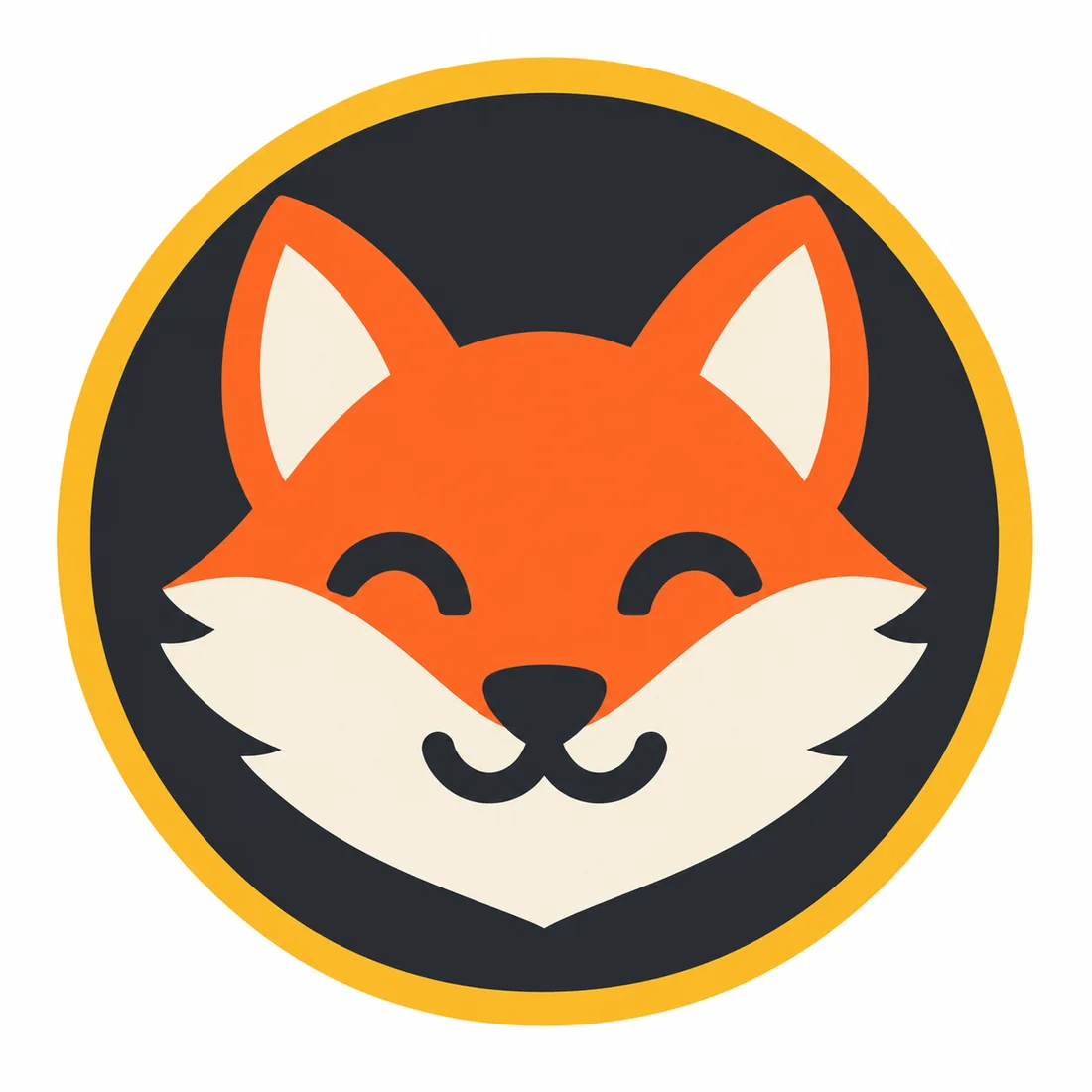
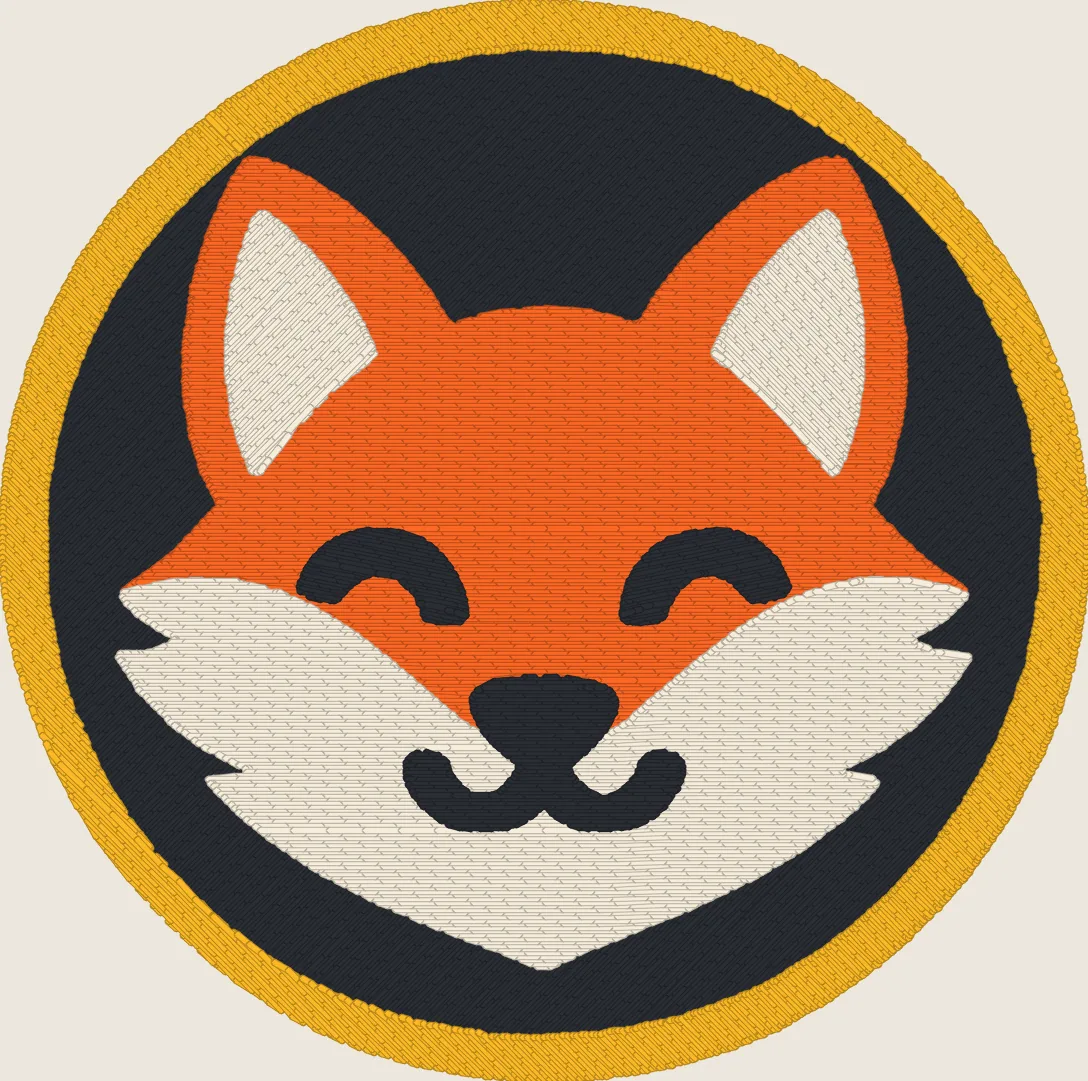
A JEF cannot carry an exact colour. Each block points at an entry in Janome's thread chart, and the writer picks the nearest entry to the colour we digitized. Here is every block of the fox, as we digitized it, as a PES names it, and as the JEF names it:
| Block | Digitized as | PES (Brother) says | JEF (Janome) says |
|---|---|---|---|
| 1 | #2a2d34 | Dark Gray | Sienna #4d3419 |
| 2 | #fab926 | Orange | Sunflower #ffcb00 |
| 3 | #fc6724 | Reddish Brown | Orange #ff6600 |
| 4 | #f6eddb | White | Silver Gray #e5e5e5 |
| 5 | #2a2d34 | Dark Gray | Sienna #4d3419 |
The two oranges come through as you would expect. The cream #f6eddb becomes “Silver Gray”, which is close in thread if not in name. The charcoal does not: #2a2d34 reads “Dark Gray” on a Brother and “Sienna” — a brown — on a Janome. Nothing about the stitches is wrong; the screen is naming the closest entry it has. That is why every order ships with a thread list that names what we meant, and why the thread list, not the screen, is what to thread from.
The hoop in the header
A JEF header names a hoop. The writer we use picks the smallest of four that the design fits inside: 50 × 50 mm, 126 × 110, 140 × 200 or 200 × 200. The fox, at 90.4 × 89.8 mm, was written for the 126 × 110 mm hoop; the crest sample, at 90.2 × 82 mm, for the 126 × 110. A design over 200 mm in either direction falls back to the 110 × 110 code, which a machine may refuse or flag, so a large JEF is worth opening on the machine before the day you need it.
What decides the hoop is the size you order, so order it in millimetres: the width you type into the order is the width the file is made at, and the free check tells you whether that width fits the package. Standard goes up to 130 mm wide; Premium to 200 mm, Enterprise to 300 mm.
Same stitches, five files
The JEF is not a different design from the DST or the PES; it is the same stitch plan written in Janome's words. Read back, the five files of the fox agree to within a handful of stitches — the formats round jumps and trims differently — and differ mainly in size:
| Format | Machine | Stitches read back | File size |
|---|---|---|---|
| JEF | Janome | 15,753 | 31.8 KB |
| DST | Tajima, opens on most machines | 15,758 | 47.8 KB |
| PES | Brother and Babylock | 15,752 | 96.7 KB |
| EXP | Melco and Bernina | 15,758 | 31.6 KB |
| VP3 | Husqvarna Viking and Pfaff | 15,748 | 32.0 KB |
So if a friend with a Brother wants to sew your Janome design, they do not need a new file — the PES is already in the folder.
Before you send the PNG
The free check reads your PNG at the width you intend and reports the colour count and the thinnest line, which is what decides the package. What a PNG has to contain before it can become stitches at all is on the PNG to DST page; which format each machine reads is on the file formats page.
Delivery takes 1–3 business days, most orders the same day. A digitizer checks every file before it reaches you.
Questions
- Can I convert a PNG to JEF for free?
- A free converter will hand you a .jef, because writing the file is the easy part. Deciding where the needle goes — stitch direction, underlay, the order shapes are sewn in, how far each shape is widened against the pull of the thread — is what decides whether it sews, and a PNG says nothing about any of it. The free check on our home page measures your PNG at your size before you pay; the JEF itself is digitized and checked by a person.
- Why does my Janome show a different colour name than I chose?
- Because a JEF file cannot store your colour, only a number from Janome's thread chart, and the writer picks the nearest one. In our fox sample the near-black #2a2d34 became “Sienna” in the JEF and “Dark Gray” in the PES made from the same stitches. Thread from the thread list that comes with your order, not from the names on the screen.
- Which Janome machines read JEF?
- JEF is Janome's own format, the one its embroidery machines are built around. Check your model's manual for the formats it lists and its largest embroidery area, then order the width that fits.
- Is JEF included in every package?
- No. Standard, Premium, Enterprise include JEF, from $14.99. Basic carries DST and PES only. Every package with JEF also includes EXP and VP3, so a second machine in the house is covered too.
- Can I resize the JEF on my machine?
- A little, and not usefully. The stitches are laid for the width you ordered; stretching the design on screen spreads the same number of stitches over more fabric and the fill opens up. If you need two sizes, order the second size as a change round rather than scaling.
Check your PNG freeSee pricing
The picture above is a stitch simulation produced by our own engine on rule set 1.3, not a photograph of a sewn piece. The thread names and hoop are read from the delivered JEF itself; test on a scrap of the real fabric first.