 HoopReady
PNG to PES
PES is Brother and Baby Lock's format, and the thing that separates it from the commercial default is colour: a PES file carries a thread entry for every block it sews, so the machine can show you the palette before it starts. That is useful and it is also where the surprises live, because the palette on the screen is the machine's, not yours.
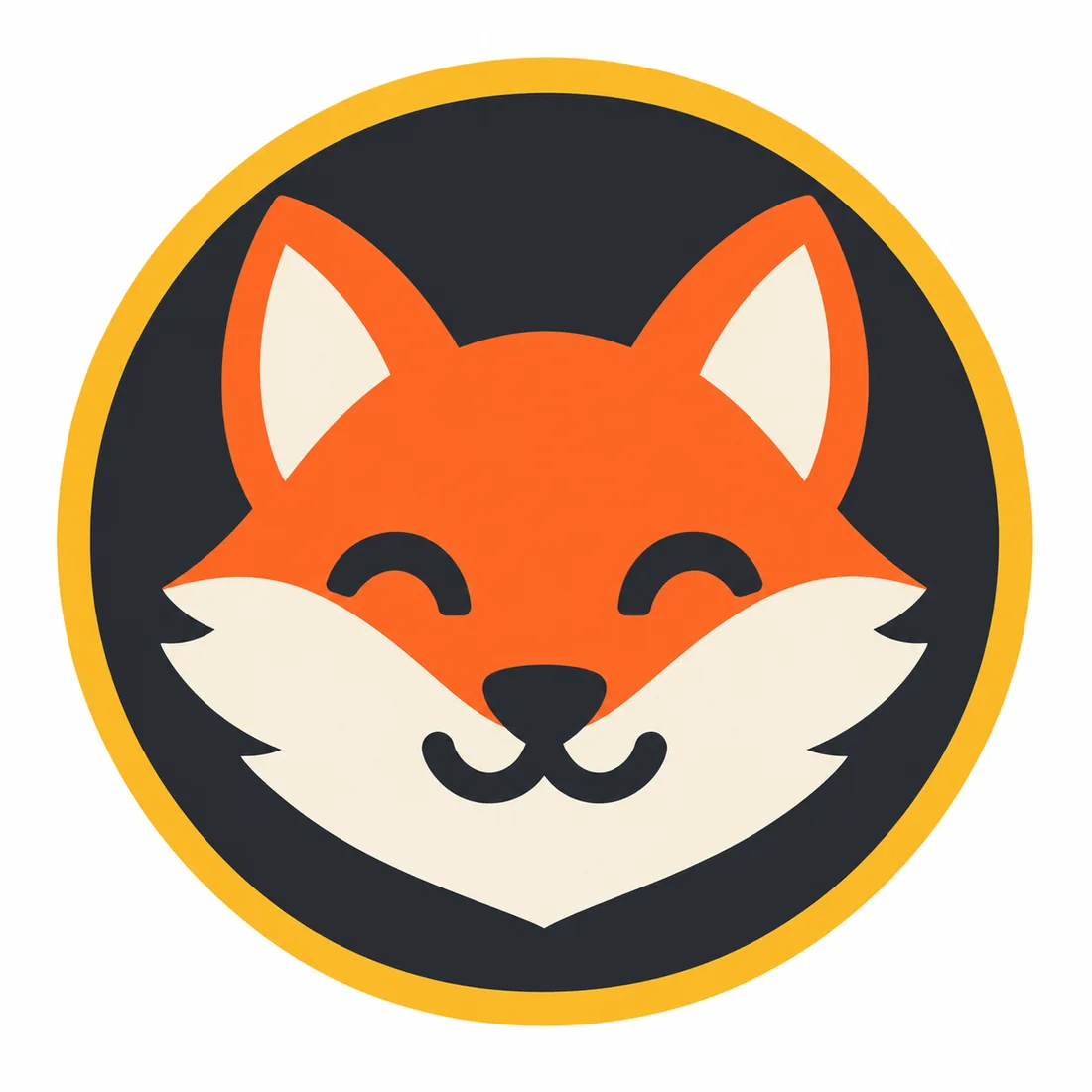
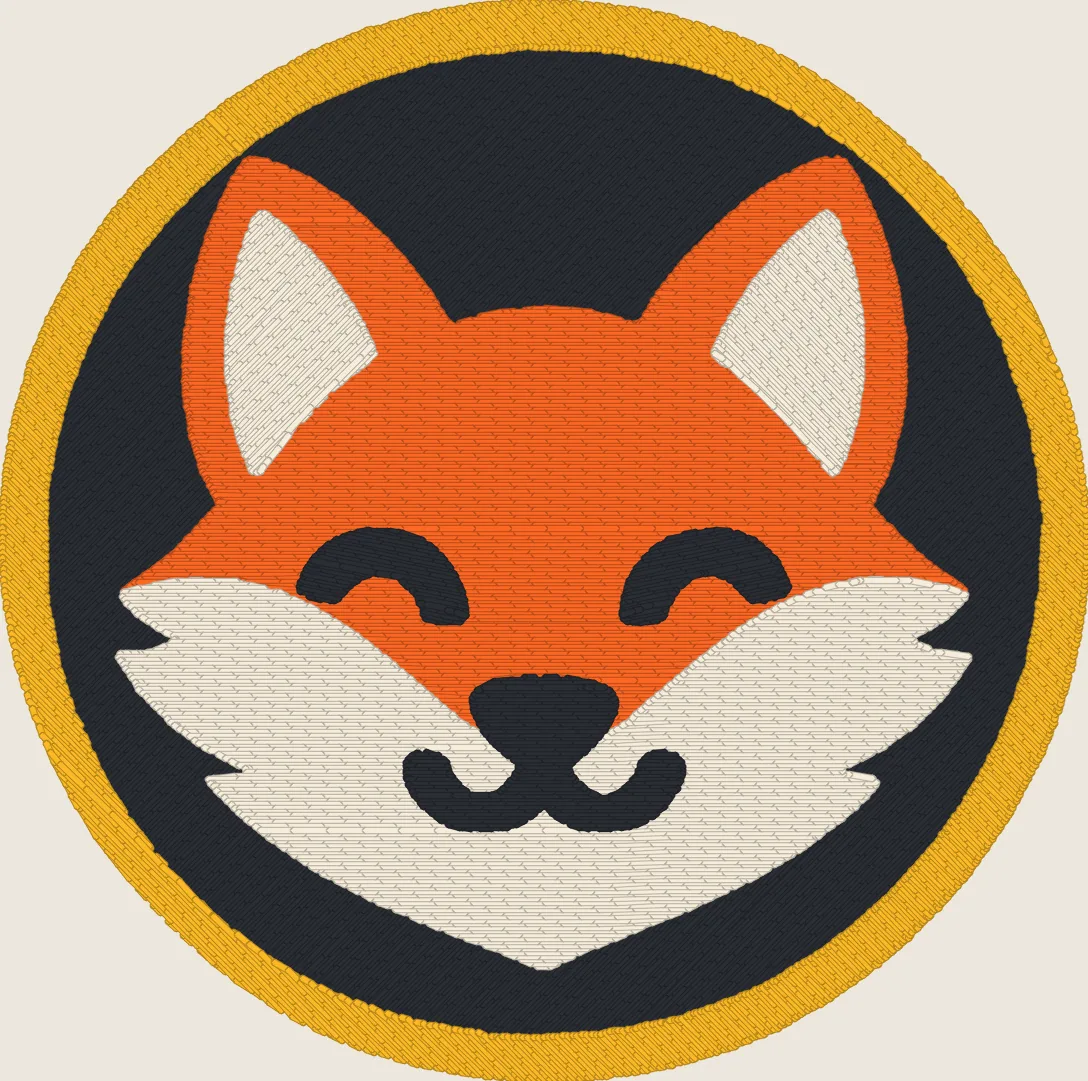
What PES carries that a stitch file need not
All the formats store the same thing underneath — where the needle goes, in what order — and then disagree about colour. It is worth knowing which one you are holding:
So the same design in two formats can look like two designs on two screens while sewing identically. If your embroiderer works from the machine's display, hand them the thread list as well; it is the only part of a delivery that says what we meant rather than what the format could store.
Which file for which machine
| Format | Machine | In which package |
|---|---|---|
| PES | Brother and Babylock | Basic, Standard, Premium, Enterprise |
| DST | Tajima, opens on most machines | Basic, Standard, Premium, Enterprise |
| JEF | Janome | Standard, Premium, Enterprise |
| EXP | Melco and Bernina | Standard, Premium, Enterprise |
| VP3 | Husqvarna Viking and Pfaff | Standard, Premium, Enterprise |
Every package carries PES and DST together, so you do not have to know which one your embroiderer wants before you order. Hoop sizes are the one thing this page will not guess at: they vary by model and your machine's manual lists them. Tell us the width you need in millimetres and the file is made at that size.
Check the design against your hoop
A PES extension alone does not make a design fit a Brother or Baby Lock machine. Check the exact model's supported file types and maximum embroidery area, then choose the finished width before ordering. Leave room for the full height of the artwork too: a square logo and a wide wordmark at the same width use different amounts of the hoop.
Open the delivered file at its intended size and compare its thread sequence with the supplied thread list before a scrap-fabric test. If your model needs another format, use the embroidery file format guide; if your source is a JPEG, the JPG to PES example shows why compression can introduce an extra thread.
Before you send the PNG
The free check reads the file and answers in about a second with the colour count and the thinnest line it can find, at the width you intend to stitch. It is the same measurement the order uses, and it is what decides whether a design fits Basic or needs Standard. What a PNG has to contain before it can become stitches at all is on the PNG to DST page; what a brand logo gives up on the way is on logo to embroidery.
Delivery takes 1–3 business days, most orders the same day.
Questions
- Will the colours on my Brother's screen match what I picked?
- The names will probably differ and the shades will be close. PES stores a thread entry per block, and a machine shows those entries by the names in its own palette, so a green you chose as a hex value comes up as the nearest catalogue thread. Nothing about the stitching changes — the file still sews the same blocks in the same order — but the screen is describing the machine's palette, not your brand guide. The thread list we send with every order is the one that names what we meant.
- Which is better to hand my embroiderer, PES or DST?
- Whichever their machine reads. PES is Brother and Baby Lock; DST is the commercial default and opens almost everywhere. You get both in every package, so the question does not have to be settled before you order, and if your embroiderer asks for something else, Standard and above carry JEF, EXP and VP3 as well.
- Does a PES file remember the design's size?
- It stores the stitches at the size they were made, so a 90 mm design arrives 90 mm wide. You cannot usefully scale it afterwards: stitch density is set for that size, and a file stretched to 150 mm on the machine keeps the same number of stitches over a larger area, which shows as gaps. If you need two sizes, they are two files, and we make the second one as a change round rather than a new order.
- My PNG has a transparent background. Is that a problem?
- No, and it is slightly better than a white one: transparency tells us where the design ends. It is composited onto white before anything is measured, so the check sees the shapes rather than a checkerboard. What matters more is that the edges are clean — a PNG exported at 200 px and scaled up carries soft edges that read as extra colours.
- Can you convert a PES file back into a PNG?
- We produce the stitch simulation you see on this page from the file we make, and it ships with every order. What we do not do is take somebody else's PES and turn it into artwork, or re-digitize a file we did not make. If you have an old PES that sews badly, the honest route is to send the original artwork and order a new file.
Check your file freePrices and terms
The pictures above are a stitch simulation produced by our own engine on rule set 1.3, not a photograph: nothing we have made has been sewn on a machine, which is why every delivery asks you to test on a scrap of the real fabric first.